Make the right material easier to find.
Use clear names, descriptions, keywords and relevant libraries to help people find the content your team maintains.
Organize your images, presentations, documents and brand assets in a library your team can maintain—and your employees and partners can navigate.
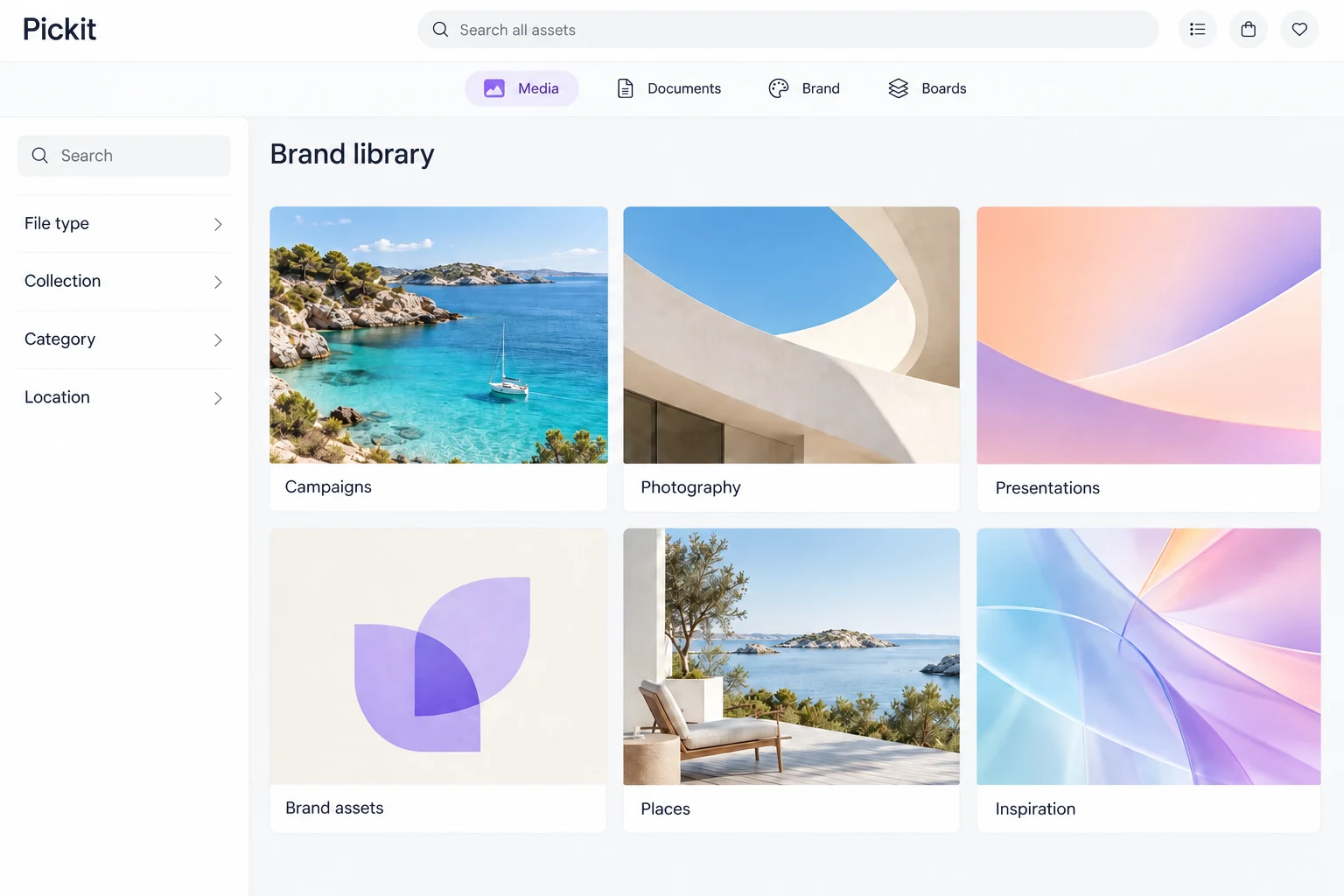
Use clear names, descriptions, keywords and relevant libraries to help people find the content your team maintains.
Give people brand guidance and usage information alongside the material they find, so they know how to use it.
Use the same managed asset in several libraries and folders without uploading another copy. Give each audience a useful route to the content while maintaining its information in one place.
Maintain file history, recover content from trash where supported and update several assets together.
Inspect and download previous versions, restore an earlier version or remove old versions. Supported content can be recovered from trash. Previously downloaded and inserted copies keep their own version.
Pickit checks file checksums for matching uploads. Inspect or reuse a match, intentionally upload another copy, or restore a supported match from trash. This checks identical files, not visual similarity.
Update tags, descriptions, properties and collection membership across selected assets, using the actions available for that selection.
Crop an image or prepare a size variant while keeping the original in the library. Collect several files before downloading them.
Name and preview saved image variants. Choose supported download sizes or PNG alternatives for SVG, EPS and AI files where enabled. Available actions depend on the asset and library settings.
Add files to a download bag, then use a supported download or delivery action for the selection.
Extract searchable text from supported documents and images, review suggested image tags, and prepare video transcripts and captions where enabled.
Export asset information to CSV or XLSX for review outside Pickit. Include thumbnails in XLSX when visual references help.
Review incoming assets, keep usage information with the files and give people a way to ask for missing material. Each supports the team maintaining the library.
Gränges brought guidelines, images and templates into a shared brand hub. Microsoft integrations made the material accessible in employees’ everyday tools.
Read the Gränges storyImages, logos, audio and video, as well as documents, presentations and templates. Preview, search and download options vary by file type.
You can maintain content in Pickit, bring material in from supported sources, or combine the two. The right approach depends on where the content should be maintained and how each connection handles imports and updates.
Previously downloaded files and assets already inserted into presentations do not update automatically. Maintaining the source gives people current material to choose for their next use.
Bring the content your team needs first. We help your content owner organize the library, choose any migration or connections needed and get access ready. Then we introduce users to Pickit with your own material and support you after launch.
Give employees access in their tools, help partners find campaign material in a branded portal, or connect an assistant to the content people are allowed to use.