
In supported apps
Find and insert.
Find images and reusable slides inside apps such as PowerPoint. Insert the content that fits your task and keep working.
Bring your assets and guidance together, make them available to the right audiences, and give people a useful way to access them—in their apps, on the desktop, through a connected assistant or in a branded portal.
A well-kept library matters. So does the moment an employee needs a slide or a partner needs campaign material. Pickit connects those two parts of the job.
Find images and reusable slides inside apps such as PowerPoint. Insert the content that fits your task and keep working.
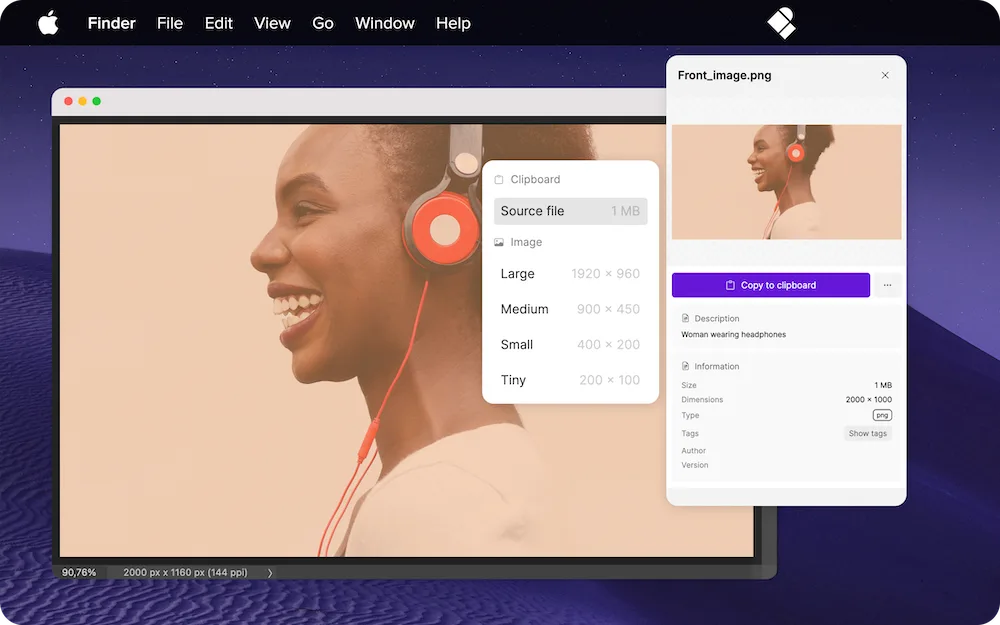
Open Pickit alongside your applications on Mac or Windows. Drag and drop supported files into apps that accept them.
Give employees, partners or dealers a branded place to browse campaign assets, product material and guidance.
Ask a supported assistant for relevant brand material from Pickit. The connected user’s access determines what is available.
Employees can use the same distribution route whether you maintain the material in Pickit or bring it in from a supported source. Choose who owns the originals, then give the intended audience access in Pickit.
Upload and organize the source files in Pickit. Your content owners maintain the files, descriptions and guidance.
Select material from an existing system. Each connection has its own rules for copies, updates and removal.
Group material around a brand, team or campaign so people have a relevant place to browse.
Decide who should have access to the material. Library organization and access permissions play different roles.
Put brand guidance and supporting material alongside the assets, so people understand what they are for.
In its published customer story, Haglöfs describes organizing seasonal assets and brand guidance with Pickit, making marketing material accessible to employees, partners and dealers.
Read the Haglöfs storyPrepare it, organize it and put it to work. Find the capability that answers your next question.
Yes. Branded experiences, Boards and shareable links provide ways to distribute material externally. Choose the sharing method and configure its audience and access settings for the content you want to share.
The routes serve different tasks. An add-in can insert supported content inside an app; the desktop app provides access alongside other tools; a portal helps people browse and download; and a connected assistant can retrieve permitted material. Available actions depend on the route and file type.
Downloaded files and assets already inserted into presentations do not update automatically. Pickit helps people find the maintained source for their next use. Updates from connected systems depend on the integration.
Start with a clear audience and a recurring task. Prepare the content, choose the access route and configure permissions. Then plan an introduction that shows people how to find and use the material they need.
Connect the material you maintain to a useful employee or partner experience.