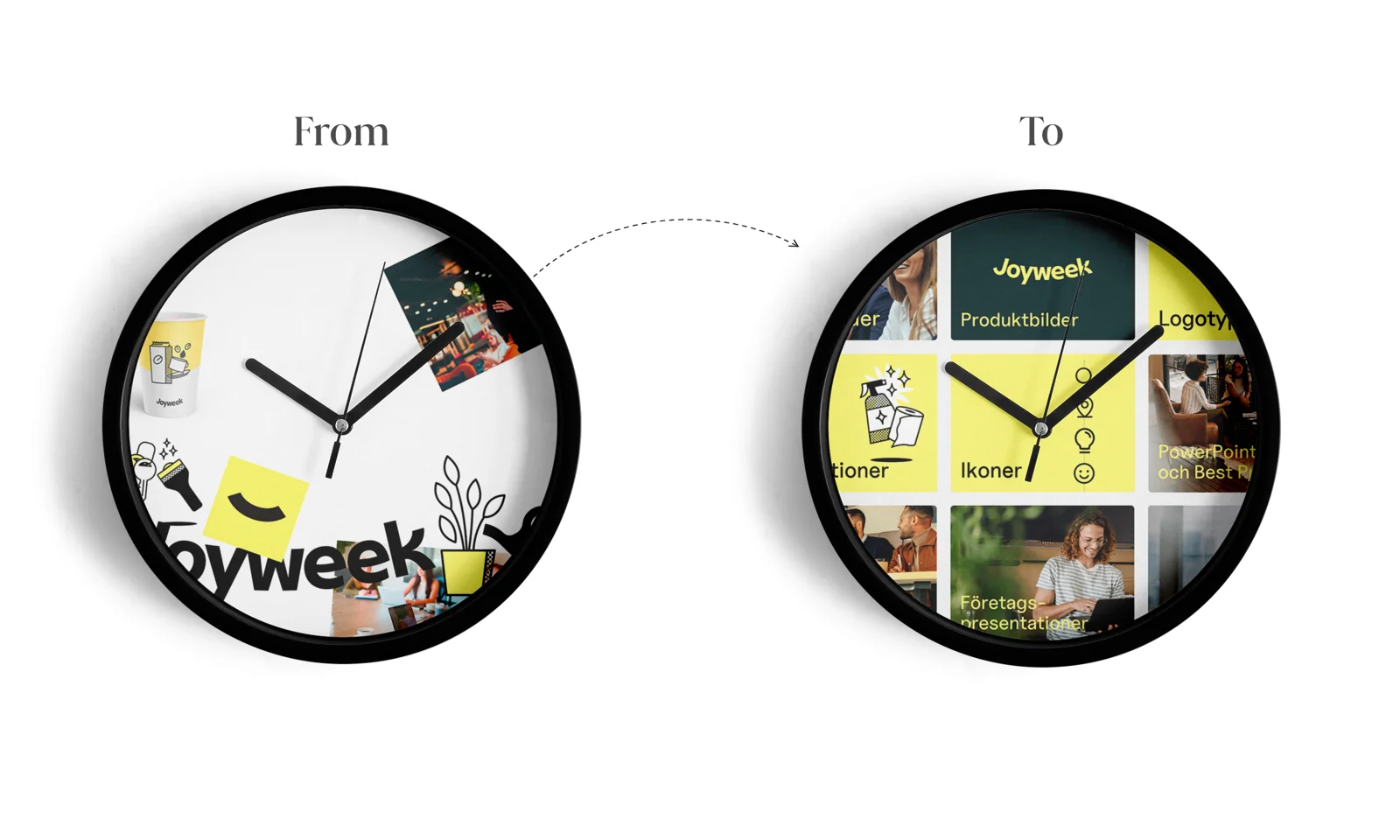
Find it once. Use it in presentations and on the web.
iCore made images available in Microsoft 365 and connected SharePoint source files. A custom Pickit API integration brought media into Umbraco.

iCore helps organizations connect systems and automate business processes. Its own content workflow needed better connections too: brand graphics, illustrations and imagery lived on a network drive, while presentation makers and web editors needed those assets in different tools.
Pickit gave iCore a searchable visual library and new ways to reach it, including inside PowerPoint and Word and through a custom connection to its website's content management system.
Finding an image meant knowing the folder structure
As iCore's collection grew, a simple network-drive setup became harder to navigate. Finding a logo, illustration or diagram could require knowing both the folder structure and the file's name. The uncertainty slowed content creation and made consistent use of the brand more difficult.
Sales and management also created presentations by duplicating existing PowerPoint templates and adapting them. Over time, that workflow introduced inconsistencies. The team needed easier access to a shared source of material while people were creating new work.
“…finding the right image only takes a fraction of the time it used to take, and causes a lot less headache.”
Searchable assets in the tools that need them
iCore organized its assets in Pickit using collections and metadata such as tags. Visual previews and thumbnails made the library easier to browse, and the Microsoft 365 add-ins let employees search for images and insert them directly into presentations.
The implementation also synchronized templates and documents with SharePoint, where the source files were stored. For web publishing, iCore built a custom integration with Umbraco using Pickit's API, giving its web editor access to Pickit media from inside the CMS.
A library that became part of the daily workflow
Within a few days, iCore’s web editor was using Pickit daily. He described finding images more quickly and with less frustration, while the CMS connection made media easier to use in his website work.
Customer experiences and results refer to the setup described in the original story.