1. Open Google Slides
Go to https://slides.google.com and open any presentation.
2. Go to the Extensions menu
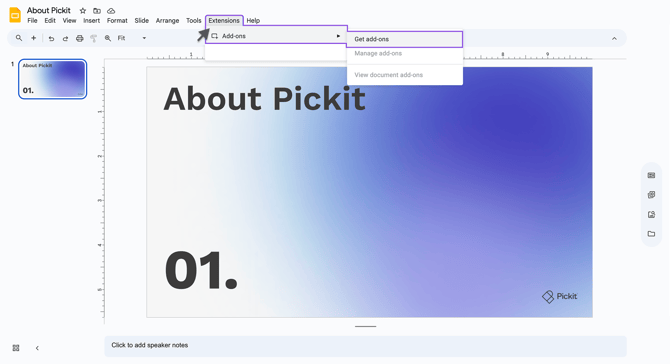
At the top of the screen, click Extensions.
3. Select Add-ons → Get add-ons
This opens the Google Workspace Marketplace.
Click it to open the Office Add-in Store.
4. Search for “Pickit”
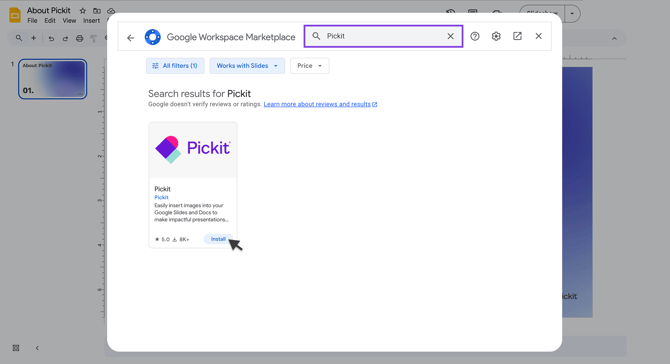
Use the search bar in the Marketplace to find Pickit.
5. Click Install
Select the Pickit add-on and click Install → Continue.
6. Grant permissions
Google will ask you to:
-
Choose your Google account
-
Approve the permissions Pickit needs to function
Click Allow.
7. Pickit is now installed!
You can launch it anytime via:
-
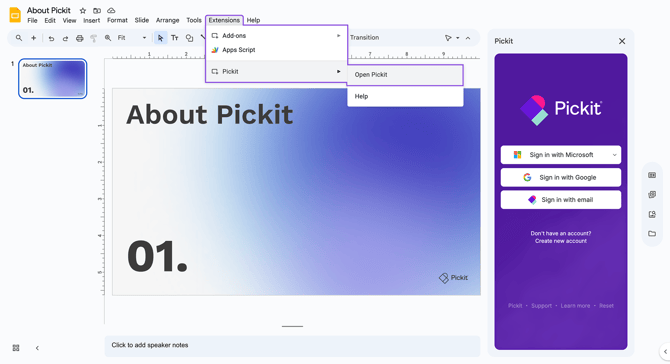
Extensions → Pickit → Open Pickit
This will open the Pickit sidebar on the right.