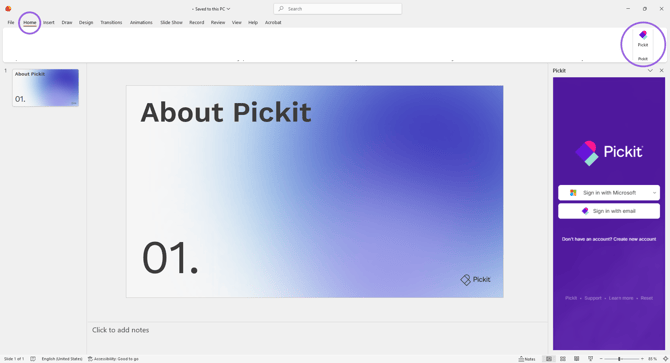
1. Open PowerPoint or Word
Open any document or presentation where you want to use Pickit.
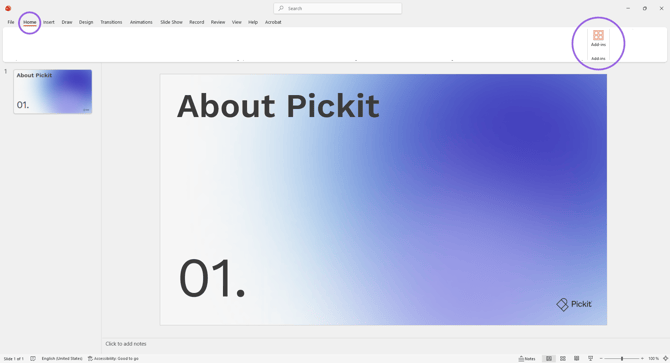
2. Go to the Home tab
In the ribbon at the top, click Home.
3. Select Add-ins
Click it to open the Office Add-in Store.
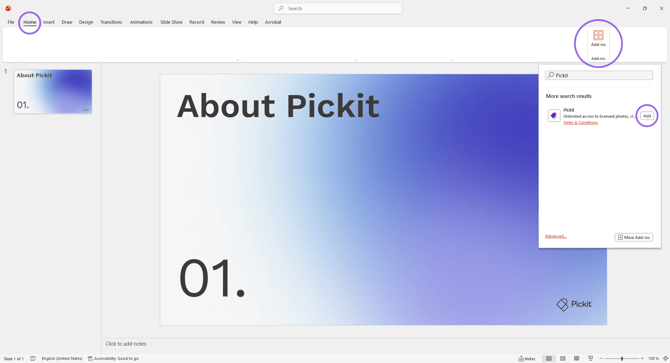
4. Search for “Pickit”
Use the search bar and type Pickit.
5. Click Add
Select the Pickit add-in from the search results and click Add.
6. You’re done!
Pickit will now appear as a Pickit icon in your ribbon.