
Reset your password
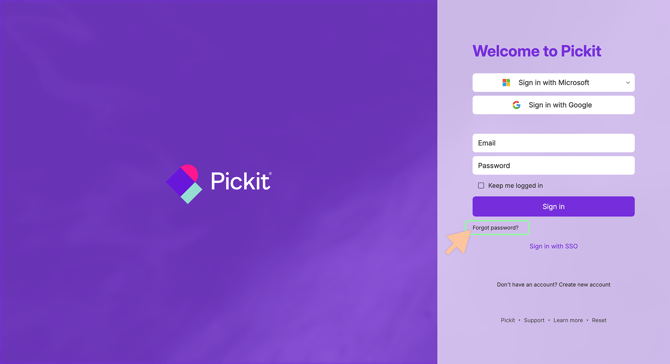
- Go to https://app.pickit.com/.
- Click Sign in with Email.
- Select Forgot password?
- Enter the email address associated with your Pickit account.
- Check your inbox for the verification code sent by Pickit.
- Enter the verification code to confirm your identity.
- Create and confirm your new password.
- Click Reset password to complete the password reset process.
Note: If your organization uses Single Sign-On (SSO), you may not have a Pickit password. In that case, you'll need to reset your password through your organization's identity provider (such as Microsoft Entra ID, Okta, or Google Workspace).