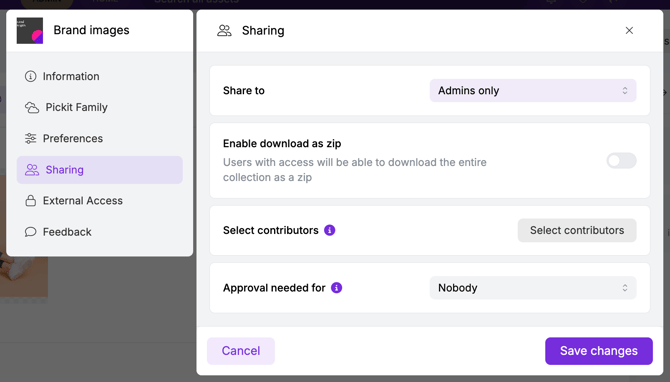
This can easily be done by choosing the option Admins only under Sharing in the collection settings. You can either hide just a single collection or an entire collection group.
If you want to hide a collection group you need to make sure that both the collection group and the collections within, are set to Admins only.
Note that you, when logged in as an admin, will still see the collection/collection group at the front page (Home mode).